

MKBU Exam Form 2027: Easy Step-by-Step Fill Up Guide for Students
Confused about the MKBU exam form 2027? Read our easy, step-by-step guide to complete your MKBU form fill up, OTP verification, and fee payment for all semesters.
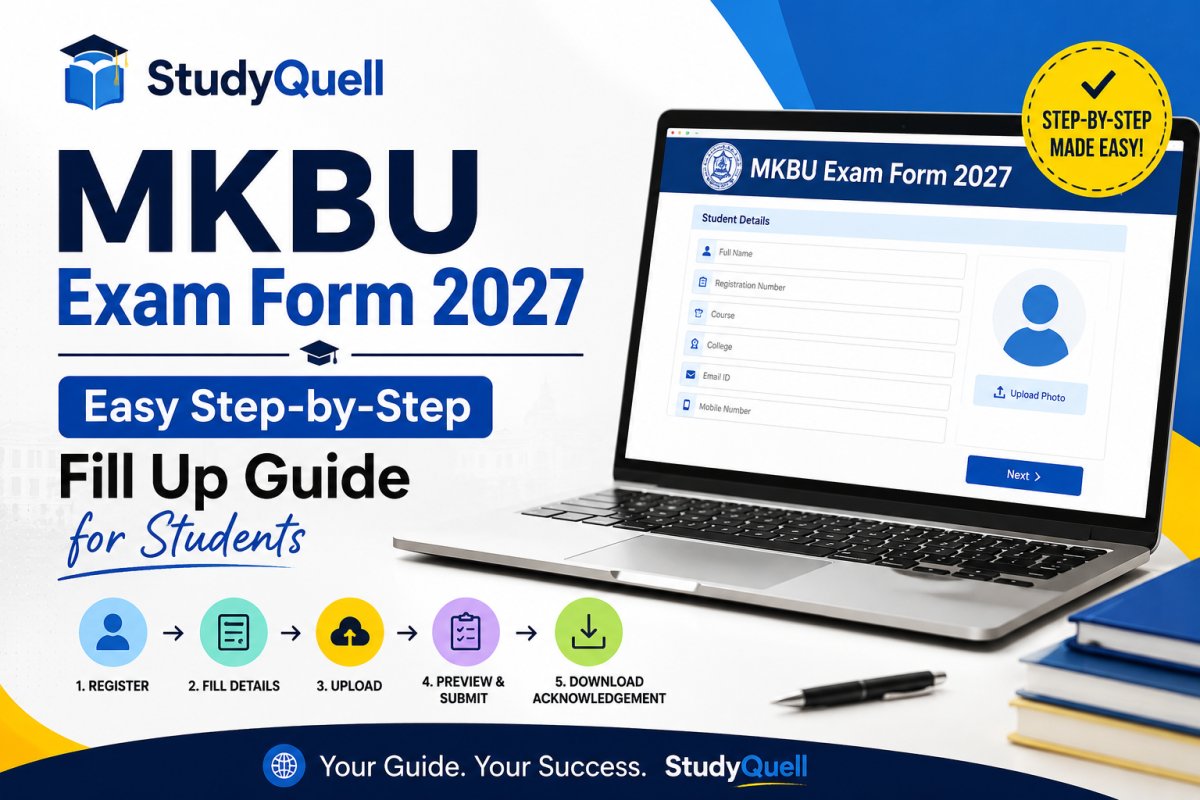
Hello students! As the new academic year moves forward, exam season will be here before we know it. I know that dealing with university paperwork can feel stressful. Many of you are already searching for details about the mkbu exam form 2027. If you are worried about making a mistake during the registration process, don't panic. You are in the right place.
Whether you are a fresh college student trying to figure out the mkbu exam form sem 1, or a final year student looking for the mkbu exam form sem 6, this guide will help you out. Today, I will walk you through the complete mkbu form fill up process using simple steps so you can submit everything without any headaches.
Things to Keep Ready Before You Start
Before you open the Maharaja Krishnakumarsinhji Bhavnagar University website to apply, you need to have a few things sitting right next to you. Having these ready will stop the portal from timing out while you search your bags for old ID cards.
- Your College ID Card: You will need your exact student numbers.
- Your Smartphone: The university system uses an OTP (One Time Password) to verify your identity, so your phone must have a good network signal.
- Payment Details: Keep your debit card, credit card, or UPI app ready to pay your university fees at the end.

Step-by-Step Process for MKBU Form Fill Up
When you go to the official MKBU exam portal and click on "Apply for Exam Form," you will see a simple box on your screen. Here is exactly how to fill it out, step by step.
Step 1: Select Your Course
The first thing you will see is a drop-down menu that says "- [SELECT COURSE] -". Click on this and carefully find your exact degree and semester. For example, if you are a second-semester student, make sure you specifically select the option for the mkbu exam form sem 2. Picking the wrong course here will mess up your whole application.
Step 2: Enter Your Student ID
Right below the course selection, there is a box labeled "SID / Enroll No. / BUID". This is your unique university identity. Type your enrollment number exactly as it is printed on your college documents. Do not add any extra spaces.
Step 3: Enter Your Mobile Number
Next, you need to type in your mobile number in the "Mobile" field. Make sure this is your active phone number, not a parent's number that you cannot access right now. The system needs to check that it is really you logging in.
Step 4: OTP Verification
After putting in your mobile number, look at the blue buttons at the bottom. Click on the button that says "Send New OTP". Within a few seconds, you should get a text message from the university. Type that code into the screen. If you already generated an OTP a few minutes ago but got disconnected, you can use the "Enter Old OTP" button instead to save time.
Step 5: Fill Subjects and Pay Fees
Once your OTP is accepted, the system will log you in. You will see your name and subjects. Check the subjects carefully. After confirming, you will be taken to the payment page. For example, if you are completing your mkbu sem 3 fees payment, choose your preferred payment method (like UPI or Net Banking), pay the amount, and safely download your final PDF receipt.
Important Updates for Different Semesters
The dates for filling out the forms usually change depending on what year you are in. Students who need the mkbu exam form sem 5 or semester 6 usually fill out their forms earlier because their exams happen first. On the other hand, junior students waiting for semester 1 or semester 2 dates will have a bit more time. Keep checking your college notice board so you don't miss your specific deadline.
What About External Students?
Are you studying privately without attending regular college? No problem. The process for the mkbu exam form external department is very similar to the regular students. You will use the exact same login screen I explained above. Just be sure to select the "External" option when you pick your course from the first drop-down menu. Also, start preparing early and keep an eye out for the official announcement regarding the mkbu external exam date 2027, as external schedules can sometimes be slightly different from the regular college timetables.
Final Friendly Advice
Always fill out your form at least a week before the last date. Do not wait for the final day! Sometimes the university server gets too much traffic and stops working. Whether you are filling out the mkbu exam form 2026 for a backlog or the fresh 2027 forms, doing it early keeps your mind peaceful. Print a copy of your successful payment receipt and keep it in a safe folder. Good luck with your studies and upcoming exams!
Students Questions
What's Your Reaction?
 Like
4
Like
4
 Dislike
1
Dislike
1
 Love
0
Love
0
 Funny
0
Funny
0
 Wow
0
Wow
0
 Sad
0
Sad
0
 Angry
1
Angry
1

I am a passionate Professor and Education Mentor dedicated to empowering students through knowledge, critical thinking, and academic excellence. With extensive expertise in educational research, curriculum development, and modern learning methodologies, I strive to make complex concepts accessible and meaningful. My mission is to guide learners toward success by providing high-quality notes, valuable educational updates, and insightful academic support.










Comments (0)